 bbbkm
bbbkmNo sign-in
Your library and journal are saved on your device. Book search and maps need an internet connection.
Reading journal
Start a timer or log your reading later.
Save a bookmark for next time.
Coming to iOS · iPhone and iPad
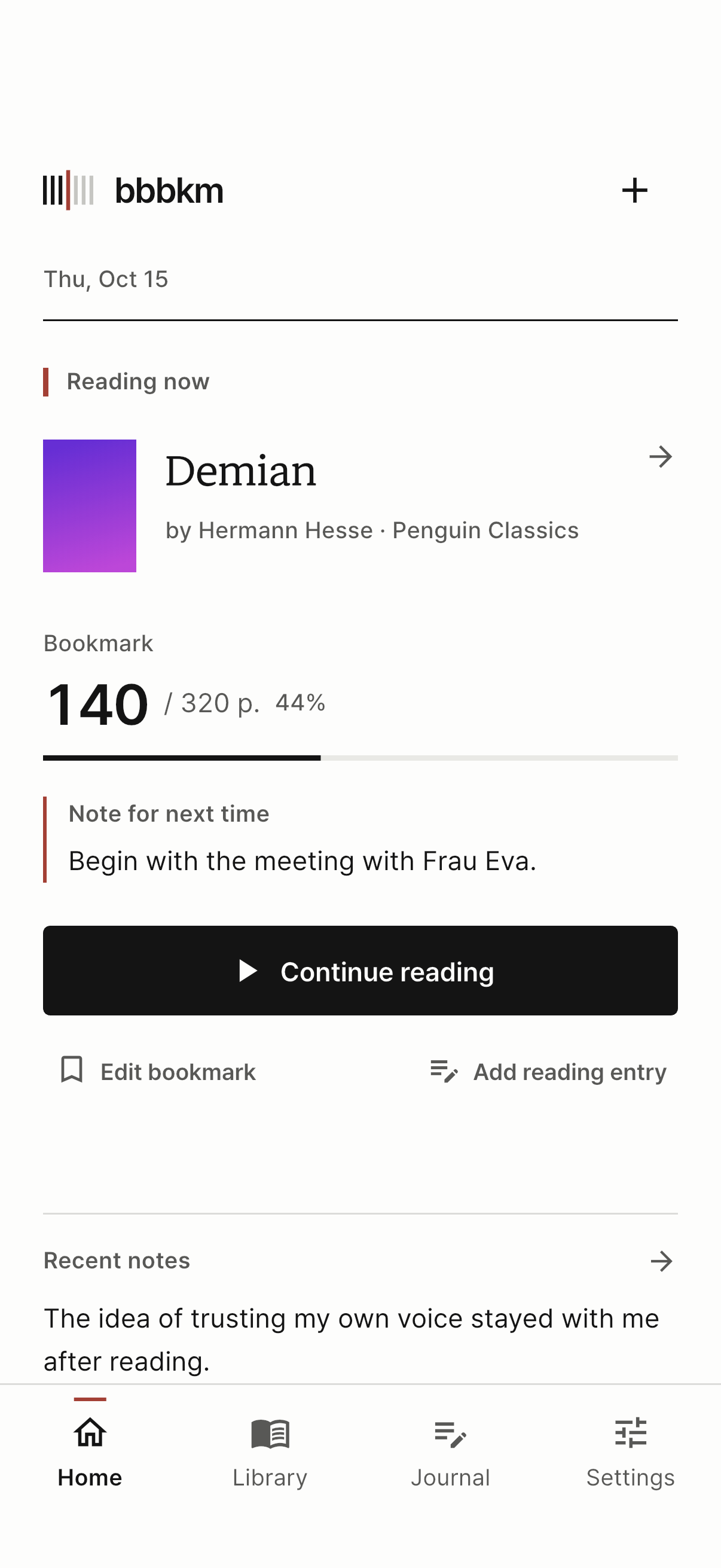
01 Save your place
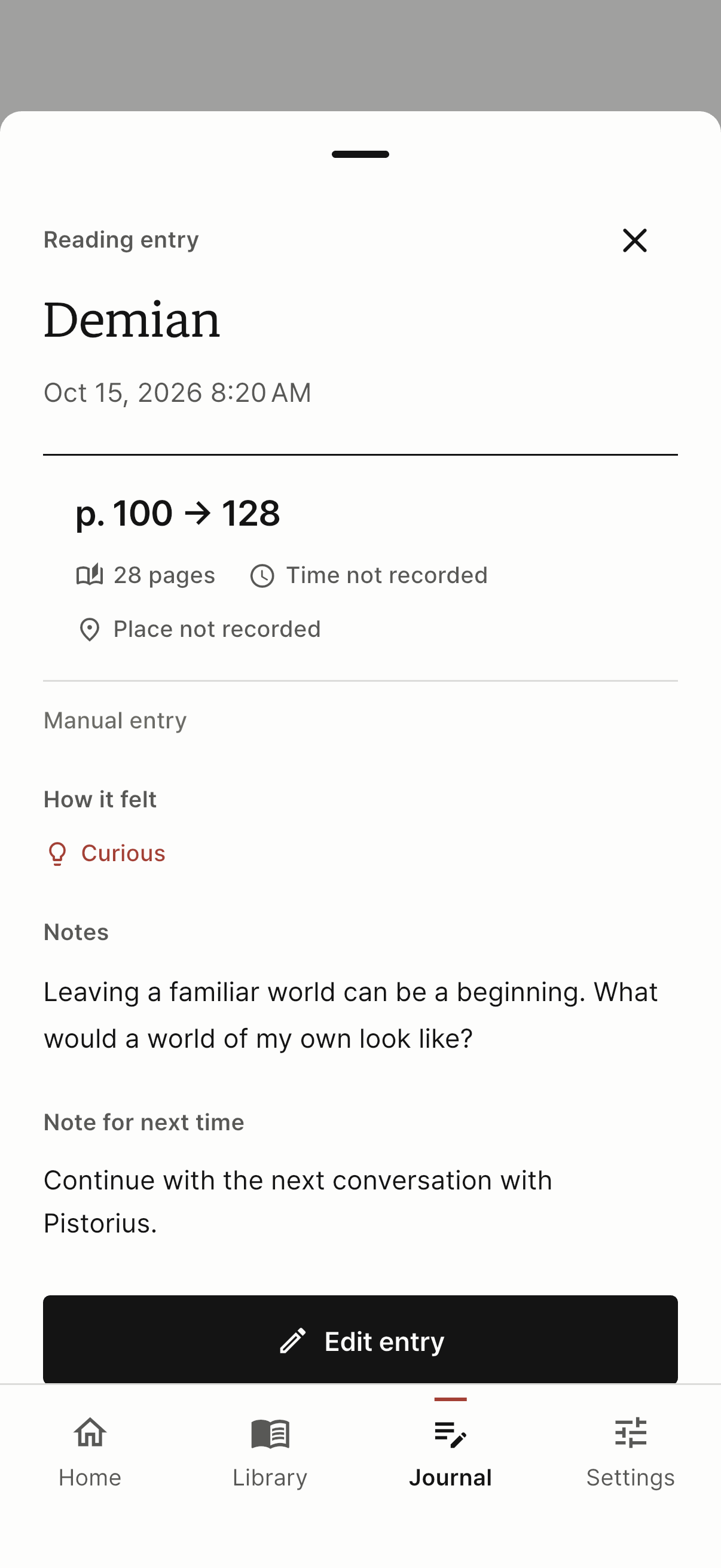
02 Write a note
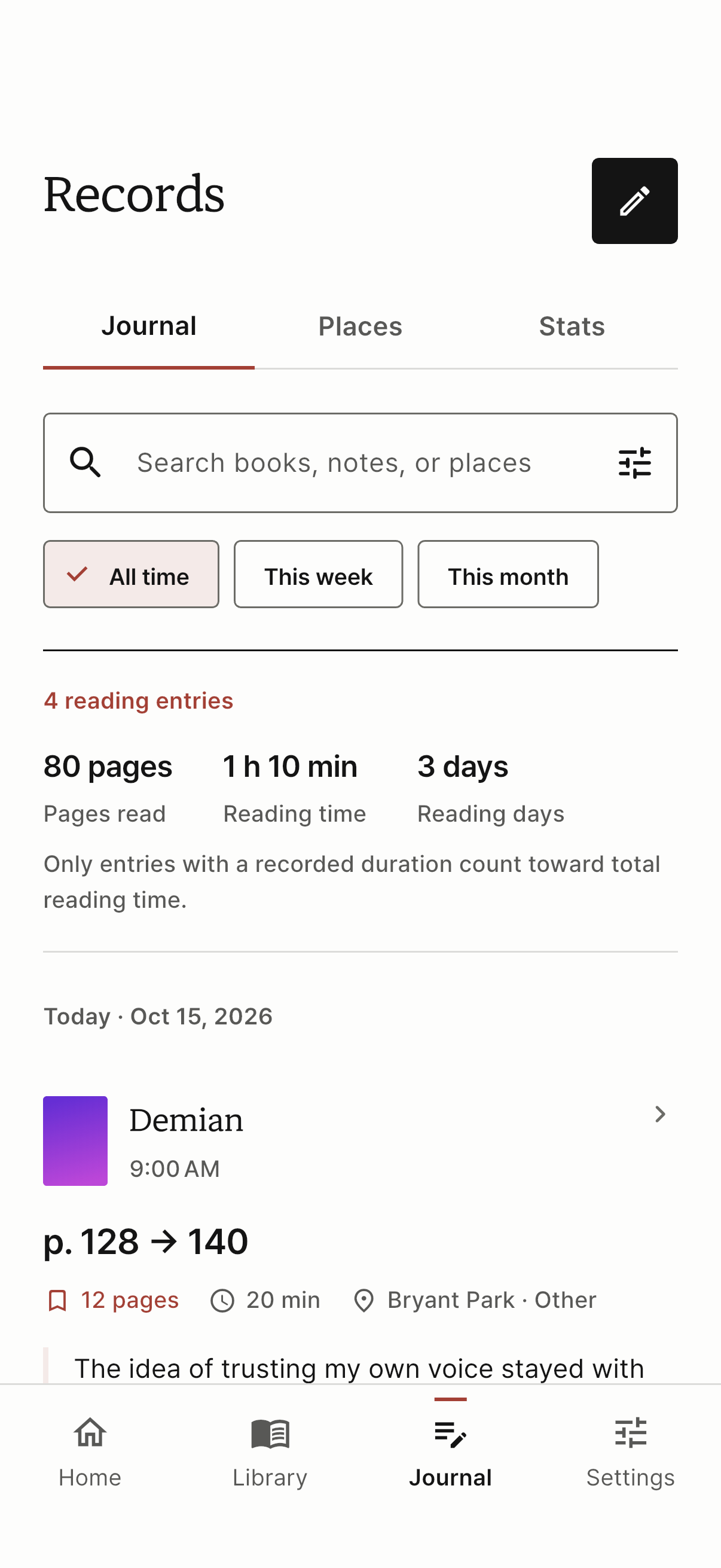
03 Review your reading
Record your reading
Use the timer or enter reading time and pages yourself. Add your thoughts and a note for next time.
Scan a barcode or search by title. If you can’t find a book, add it manually.
Use the timer or enter the pages you read. The timer stops counting while paused.
Check your bookmark and note on the home screen, then keep reading.
Journal, stats, and places
Find past notes in your journal.
See how much you’ve read and where.
Find entries by book, date, or note text.
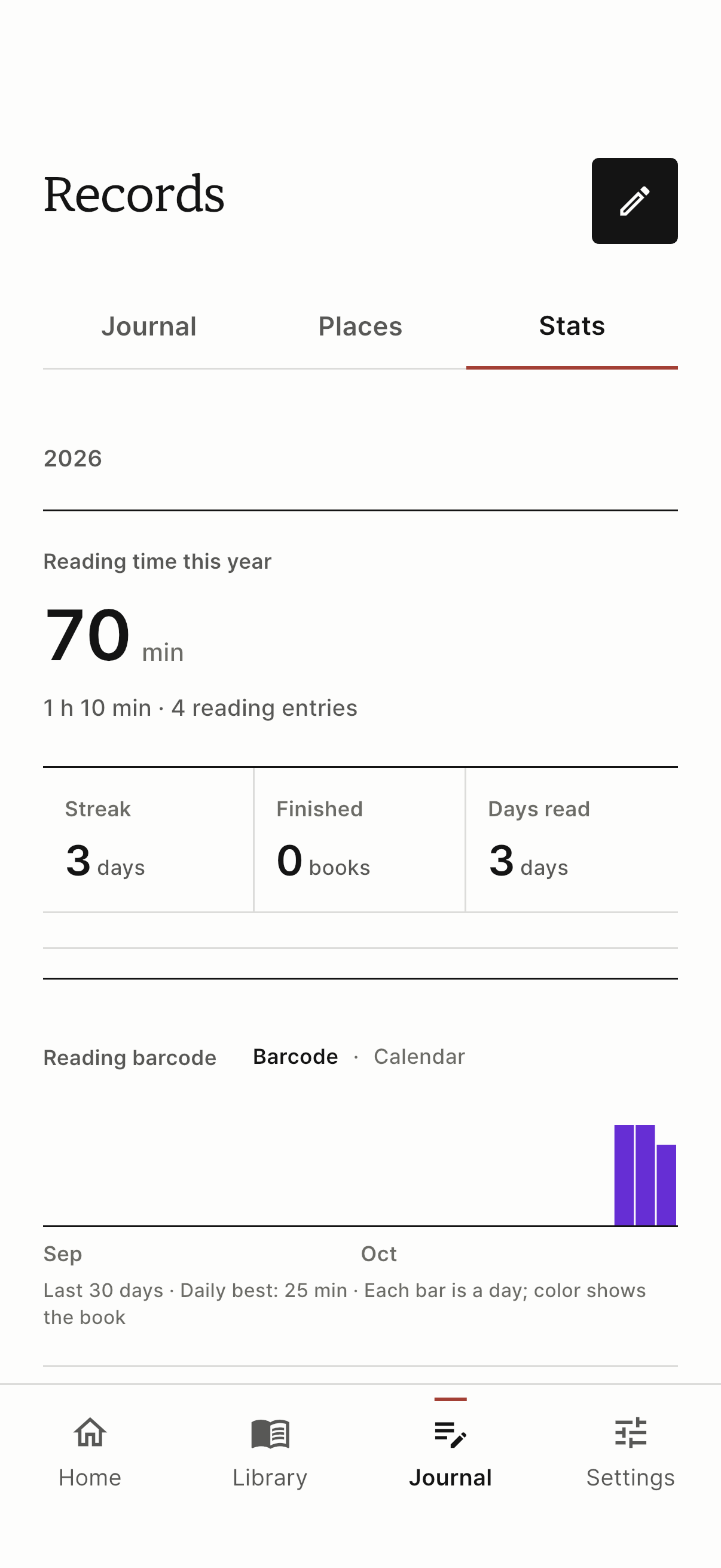
Review reading time, reading days, and finished books.
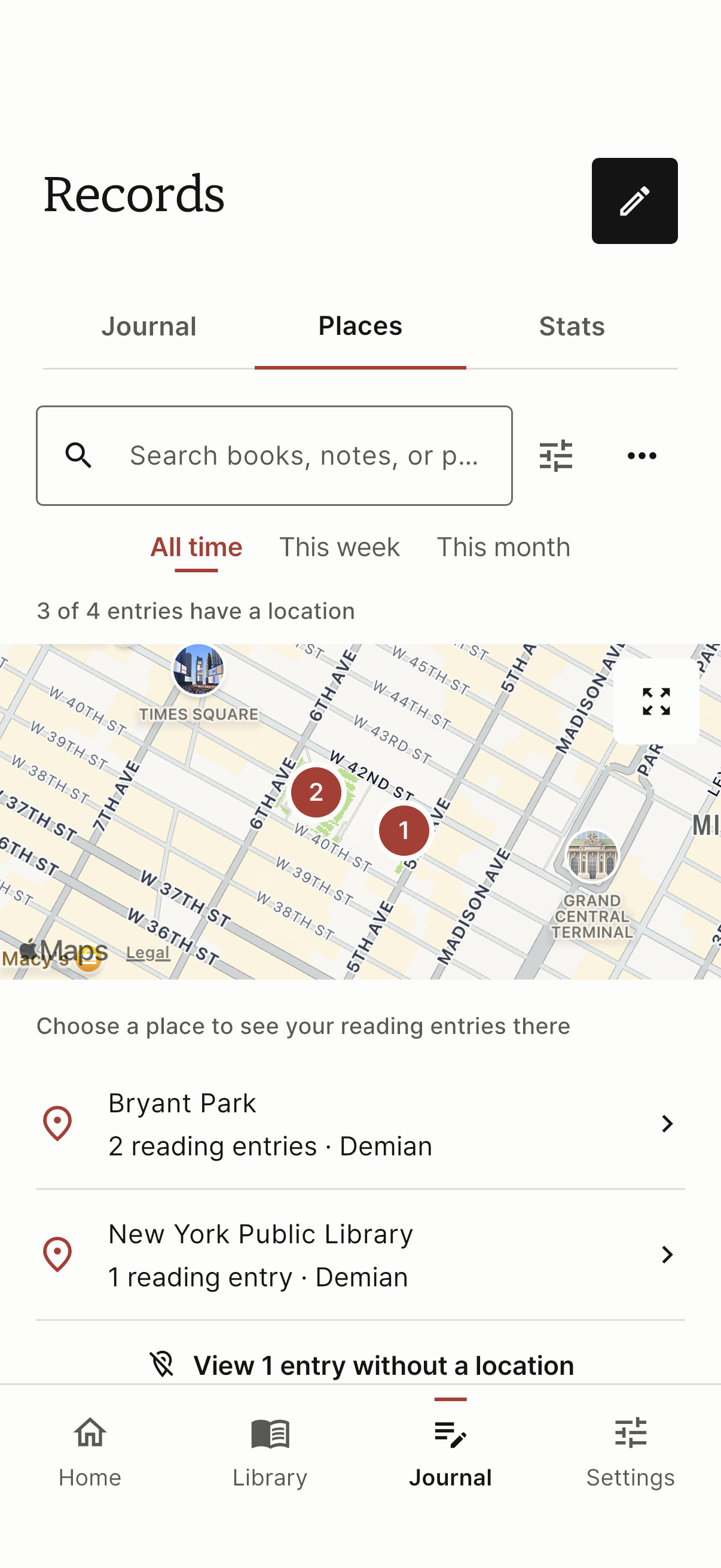
Record locations and routes when you choose to.
Storage and backups
Start without an account.
Move your books and entries to a new device with a backup file.
Your library and journal are saved on your device. Book search and maps need an internet connection.
Turn off automatic location recording in Settings. Routes are recorded when you turn on “On the move” during a reading session.
Export a backup from Settings, then import it on another device. Backups include notes and locations, so check who you’re sharing with.
Find answers about book search, reading entries, and backups.